
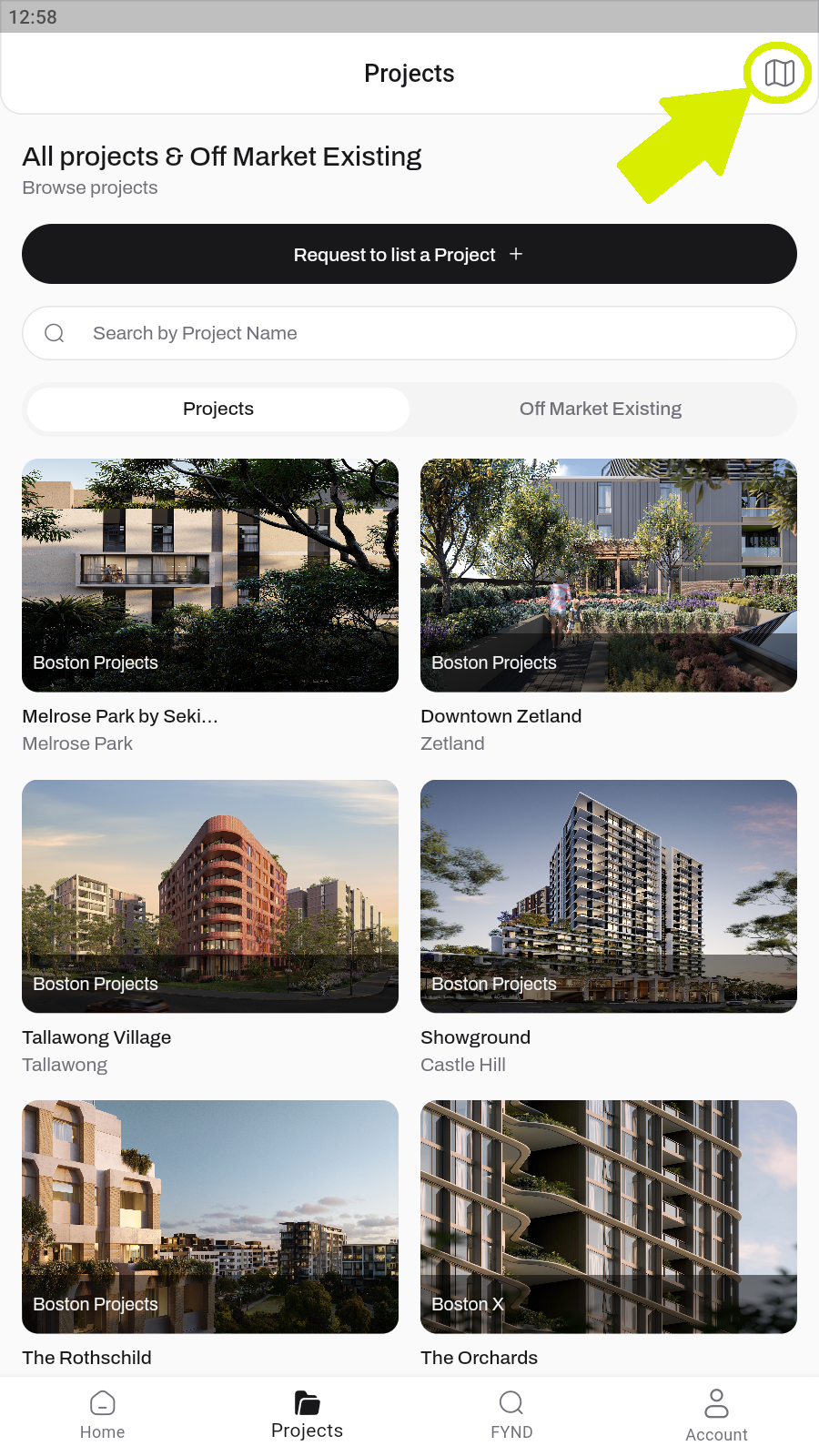
On Project screen click on the map icon in the upper right corner.
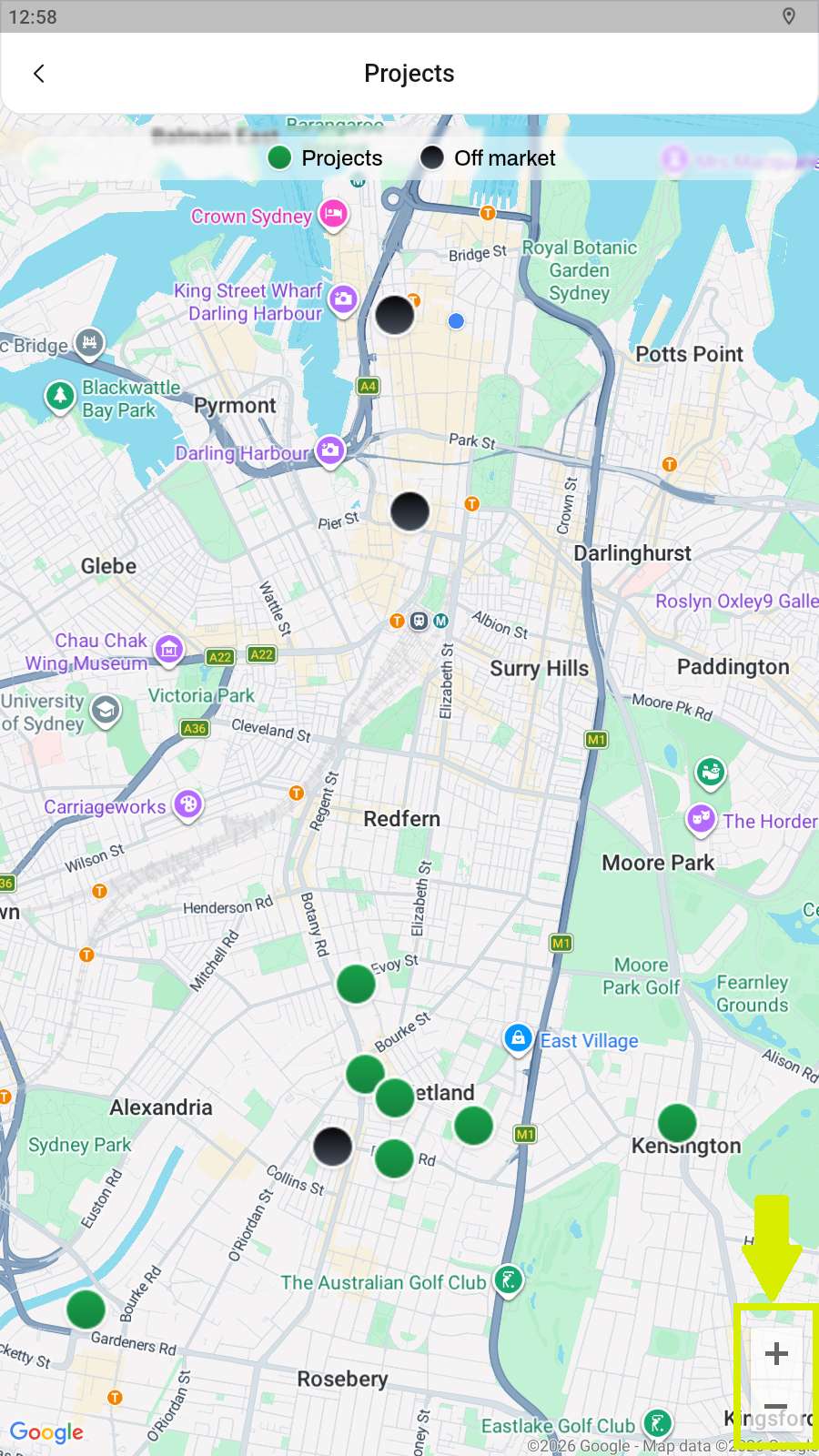
Use “+” to zoom in and look for Black dot on the screen which is the Off Market Listing, Green is Project Listing.
On Project screen click on the map icon in the upper right corner.
Use “+” to zoom in and look for Black dot on the screen which is the Off Market Listing, Green is Project Listing.